When paired with Ragpiq Link, Ragpiq’s QR Scanner handles inventory management and point-of-sale (POS) transactions.
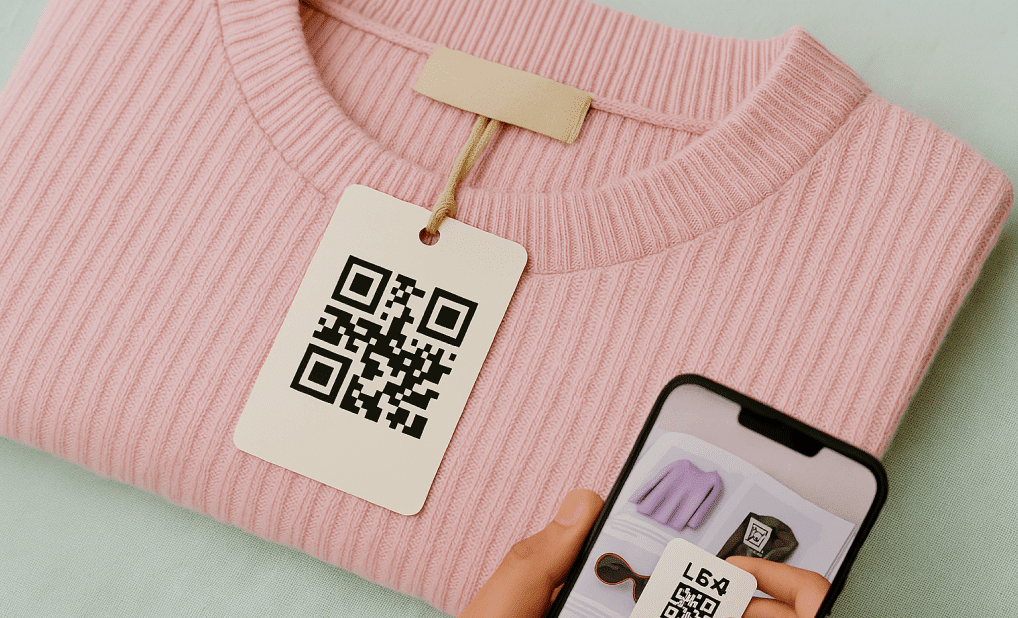
Every label printed via Ragpiq Link contains a 1:1 unique QR code for that specific item. This QR code stores:
- Ownership details
- Commission rate
- Connected marketplaces
- Current inventory location
Requirements
- Ragpiq Mobile App
- Ragpiq Link desktop app
Use Cases
1. Searching Items
- In the mobile app’s Wardrobe, tap the scanner icon next to the search bar to quickly find any item by scanning its QR code.
2. Update Inventory Position
Ragpiq uses a data variable called IDC Date to track an item’s position in your inventory.
- In the app, go to Wardrobe.
- Tap Bulk in the search bar → Update Inventory.
- Tap the QR button next to the input box.
- Scan the item’s QR code to instantly update its IDC date.
3. POS Checkout
Integrate with Ragpiq’s POS System to sell items in person.
- In the app’s Wardrobe, tap Bulk → Checkout.
- Tap the scan button at the top and scan items into your checkout cart.